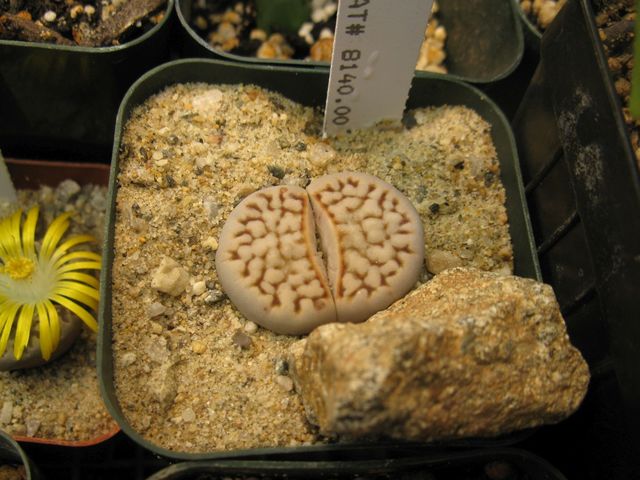
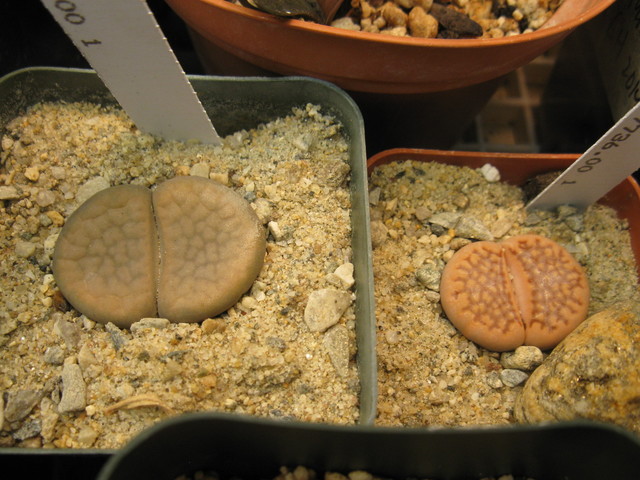
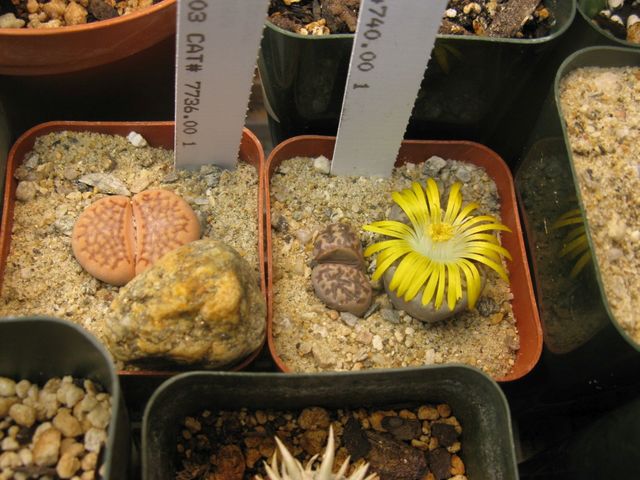
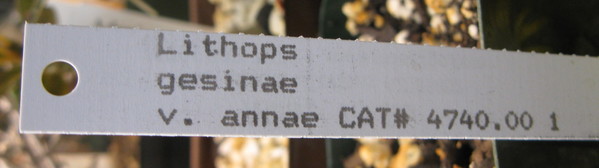
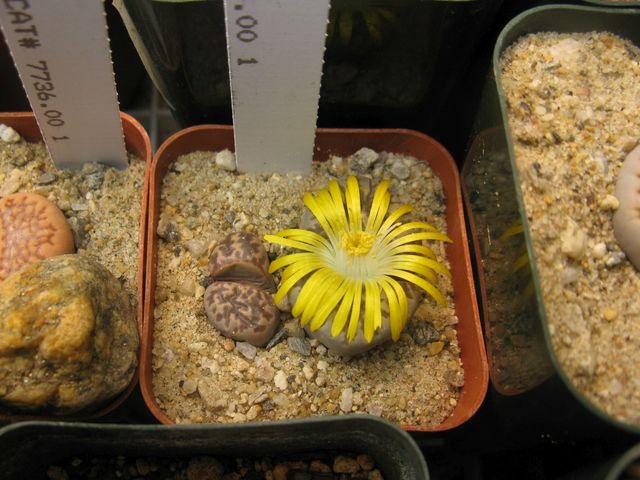
We have another Dr. Seuss® plant blooming.

At least this one doesn’t smell like rotting flesh.
We have another Dr. Seuss® plant blooming.

At least this one doesn’t smell like rotting flesh.
This blog has been quiet lately, and that is because I have gone off on another project to build an instrument. I am building a dulcimer this time. Here is what it will look like.

I am documenting every (mis)step in the process. You can check it out on my web page at http://www.thekimerers.net/brian/dulcimer/index.php
Wow! 22 years! That went by fast. That’s how long those LED light bulbs are supposed to last.
However… today we had one literally fall apart while we were using it. The bulb was in this desk lamp.

I turned the lamp on, and the glass globe that covers the LED’s fell off…. onto the floor… and shattered. Look at this.

It appears that the glass was glued in place, and the glue let go. The light was still on after the globe fell off. So I turned it off an took out the remaining bits.
As you can see in the photo, I have this funny habit of writing the dates on things like batteries and light bulbs when I install them (ya… go ahead…. call me crazy). So when I took out the remaining part of the bulb, there was the installation date.
In case you can’t see it in the photo above, here is a closeup.

By my reckoning, the life of this bulb was about 3 1/2 years, which is approximately 15.9090909091% of its estimated life span. That doesn’t sound like a very good deal to me. And to top it off, another bulb of this same brand failed last week. It was installed on 2015/01/04 in an open ceiling fixture. That was just over 2 years ago. These are store brand bulbs from a major HarDware store, which shall remain unnamed to keep me out of trouble with the lawyers.
In case you were wondering what is inside those new-fangled LED light bulbs, I took advantage of the busted bulb to snap some photos of the guts.

Now, that’s a Star Wars® looking device. Here’s a closeup of the business end of the bulb.

Those are the actual LED’s, hooked onto their heat sink. There are 20 of ’em. They are even numbered….. or maybe that is Alien Speak for “Take Me To Your LEDer”
We don’t have a henhouse, but apparently we do have the fox.

This guy showed up early in the morning and was poking around the house, probably looking for breakfast.
The crappy, double-exposed photo is because I took it through the double pane glass door on the slider, early in the morning and with no flash. The crappy, depressing blue-gray color scheme is because it is still Winter here, even though it is April. C’mon, already. Where’s Spring?
Similar to the hawk in my previous post, once the critter caught sight of me snapping its photo, it took off in a blur.

This time, I caught it in the act of leaving…. well sort of.
We had a visitor today. He showed up in a tree out back.

He spent some time surveying the place, probably looking for squirrel lunches.
I spent some time snapping photos.

There he is, looking regal and checking out the back yard.

OK, more like owning the back yard.

Uh oh! Busted!

After he spotted me, he took off. Camera shy, I guess.
So, what do old programmers do after they retire?
They write old programs, like a Nixie Tube Clock program.
If you don’t know what a Nixie Tube is, then you are not an old programmer. They are neon glow bulbs that have 10 elements in them in the shapes of the 10 digits, 0 – 9. They were used on old equipment for numerical displays. You can read all about Nixie Tubes on the Wiki, https://en.wikipedia.org/wiki/Nixie_tube.
I have always liked Nixie Tubes, and my computer used to have a Nixie Tube Clock display on it. Somehow I lost that clock program and cannot find it.
So I wrote one myself. Here it is on the computer monitor.

It is up there in the upper right corner by the X-Eyes. Here’s a closer look.

I made it real big below so you can see what the Nixie tubes look like.

Those are pictures of the Nixie tubes, of course, not real tubes. In the real tubes, the numeral elements are layered inside the tube front to back. As the numbers change, you can see them jumping back and forth inside of the tube. Psychedelic!
But the software version has a nice, warm glow.
I was surprised that you can now buy Nixie clocks again…. real ones…. not just pictures of tubes…. real tubes…. check it out.
What is old is new again.
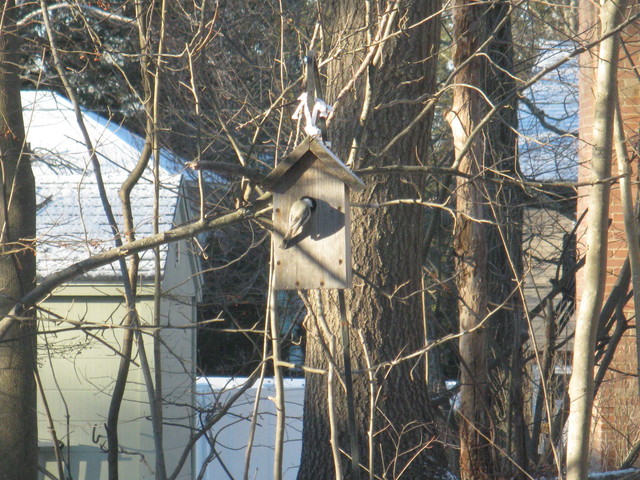
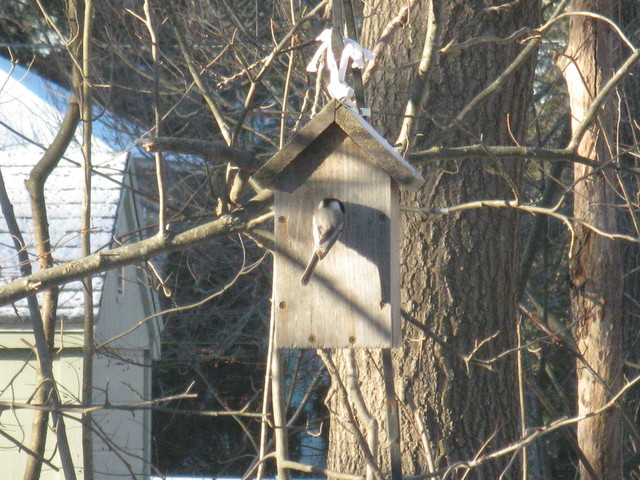
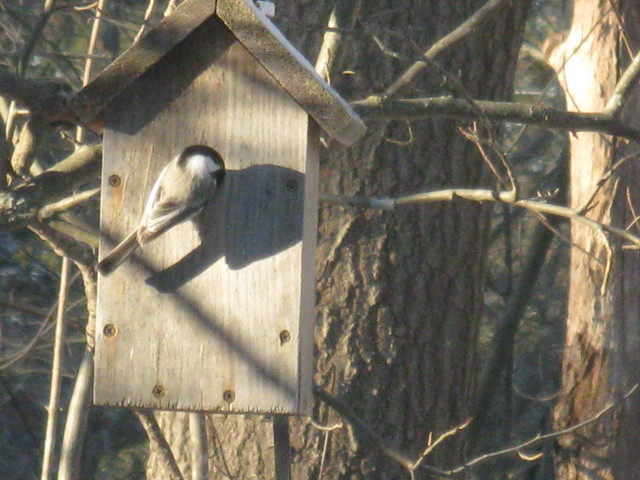
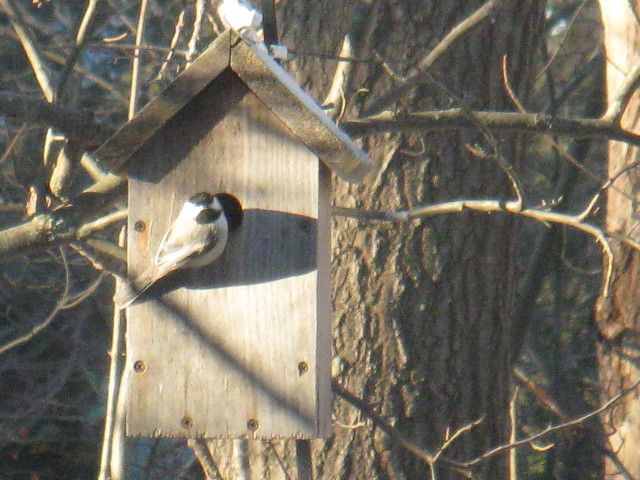
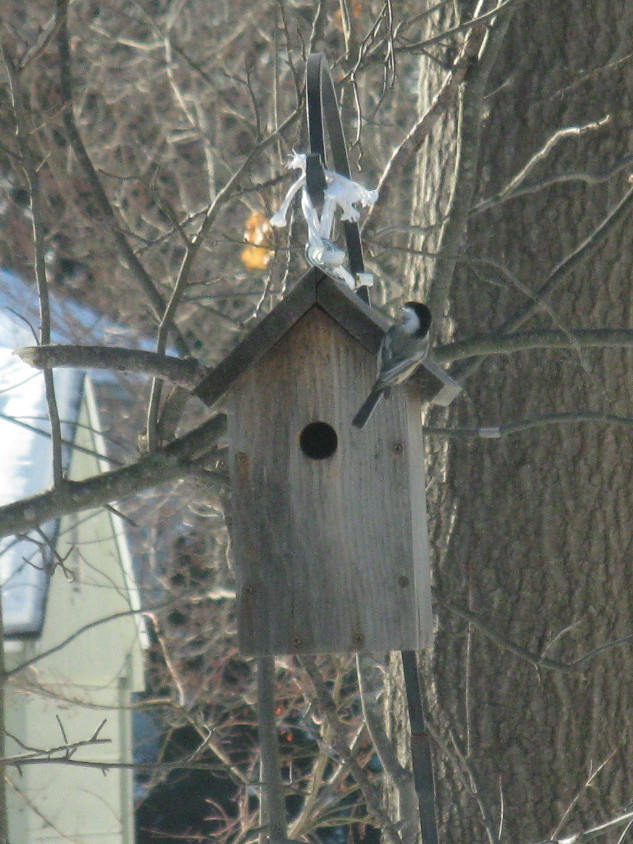
That wind/snow/sleet/rain storm on Tuesday took a toll on our Chickadee house.

The house is looking kind of sad and hanging at an odd angle. Here’s a closer look.

It looks like the front tiedown has broken. And yet, the Chickadees appeared at the house yesterday and looked into the front door of their old digs…. and chased away the Wrens that had the same idea. I hope they don’t think that the neighborhood is going downhill. We will have to fix that problem after the frozen tundra goes away.
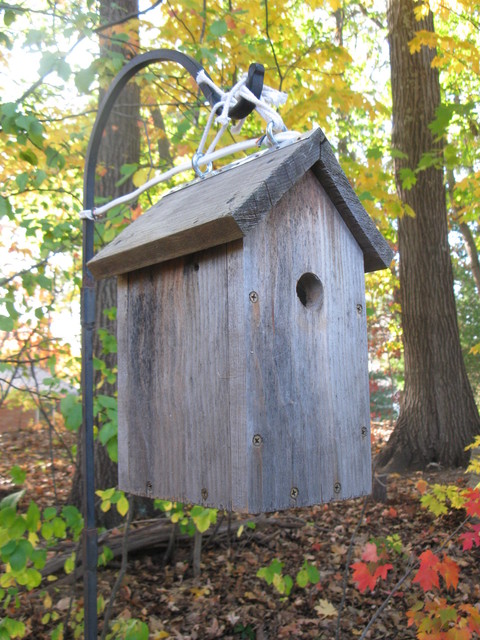
But honestly, the birds don’t have to fight over the house. There is that other house down there.

See it? It’s there. Here’s a hint.

See it now? There it is. Here’s a closer look.

That one is hanging straight, too.

Looking good. You would think there would be more interest in the newer, better-looking property.
But, I guess it is a bit more of a commute to the birdbath.
Hurricane wind, a foot of snow, followed by sleet, followed by rain, followed by a flash freeze. Storms don’t get much uglier than that. But, the Augernaut came through and threw it through and through.

It started on the first pull too.
Don’t cha love it when the technology actually works?
Now…. back to that tablet…
I did it. I reset the Tablet back to its Factory Defaults. Just in case you decide you need to do this yourself, here is how I did it.
First of all, I wrote down all the stuff I had installed on it so that I could remember what to put back.

Then, I wrote down all of my passwords since I will have to set everything up again.

Yaaaa. I blurred it all out. Duh. I wasn’t born yesterday.
I charged the Tablet up to 100% while it was still off.

Well there’s an excellent photo fer sure. I think the camera focused on my reflection instead of the screen. It really does say “100%”. Trust me.
Next, I rebooted the Tablet (slowly…. it always works slowly now).
Go into Settings. That is the picture of the gear.

That takes you to the Settings page, where you scroll down to the menu item “Backup and restore”. Take your finger and touch “Backup and restore”. That takes you to the page where it says “Factory data reset”. Both are circled in red in the image below.

Touch on “Factory data reset”, and that takes you to the “Dire Warnings and Scary Statements” screen. It has the button called “Reset Device”.

This is where it tells you that all your stuff will be gonzo if you do this. Don’t read it. It will scare you. Just do it.
Click on “Reset Device” button, the one inside the red oval…… are you ready?….. just do it…. you know you want to….. and…..

Oh. Wait. There’s another one. This one says that if you do this all your stuff will be gone… really really really (really)…. I really mean it….. really !! gone!. The button says “Delete all”. So click on it!
The Tablet shuts down.

Then, it starts erasing stuff.

It showed me the S^msung screen for quite a while….and then…….. it went dark. Dark dark dark. Creepy dark. Dead done dark.
Moment of truth. I turned it back on.

Yay!
It made me sign in to The Google again and answer some questions about what to call it and what language to use and stuff. But it did come back up. It took a long time after it booted to update itself. In fact the Google Play Store automagically re-installed a bunch of the apps I had on it in spite of the dire warnings “All your personal information and downloaded applications will be deleted and cannot be recovered“. So much for Truth in Advertising. It told me after it was done that it had updated 22 things.
But there it is. That is a pretty empty Tablet there.
I put some of the stuff from my list back onto the main screen. I don’t think I will clutter it up quite like I did the first time.

It seems to be running again. I don’t know how long it will last, but it is running.
OK. Now it is YOUR TURN. C’mon! Grab your phone! Let’s go….. You know you want to do it!
NO! WAIT! STOP! That was a joke! Don’t do it! Put it down!
Jeepers. That was close!
Nope.
The Tablet went away again. It totally locked up, drained the battery over night and would not do anything this morning. After pushing the ON button a zillion times I finally got the screen to light up only to see this.

Wait a minute, you can’t read the message. Here’s a closeup.

Well OK then, Mr. Wiz, be that way. Here are my options.
I decided to close it.
Nope. Neither of those buttons actually would do anything. So I did what any self-respecting Professional Software Engineer would to. I frantically poked at the ON button muttering (well OKthen, shouting) things like “shucks” and “darn”. It finally posted a box behind that box asking me if I wanted to turn it off. Sorry no photo. I was concentrating on saying “shucks and darn”.
However, I managed to fat-finger around the first non-functional modal dialog box to the other non-functional modal dialog box and got the blasted thing to turn off. It is now charging the battery, and when that is done, here is what I am going to do.
I am going to do the dreaded Factory Reset.
Take that, Mr. Wiz.
I have one question. Don’t you have something better to do than read about my tribulations with the Tablet?
If you are still interested, stay tuned. Otherwise, go have a nice breakfast.